SchoolOps by ChalkChest · For the relief coordinator
When a class is away
Mark a class as away for an examination or a learning journey, so its teachers and rooms are freed.
The pictures and clips show the real product with a made-up school, staff and classes. Fictional demo data.
On the web
Use this when a whole class will not be in its lessons, for example for an examination, a learning journey or an excursion.
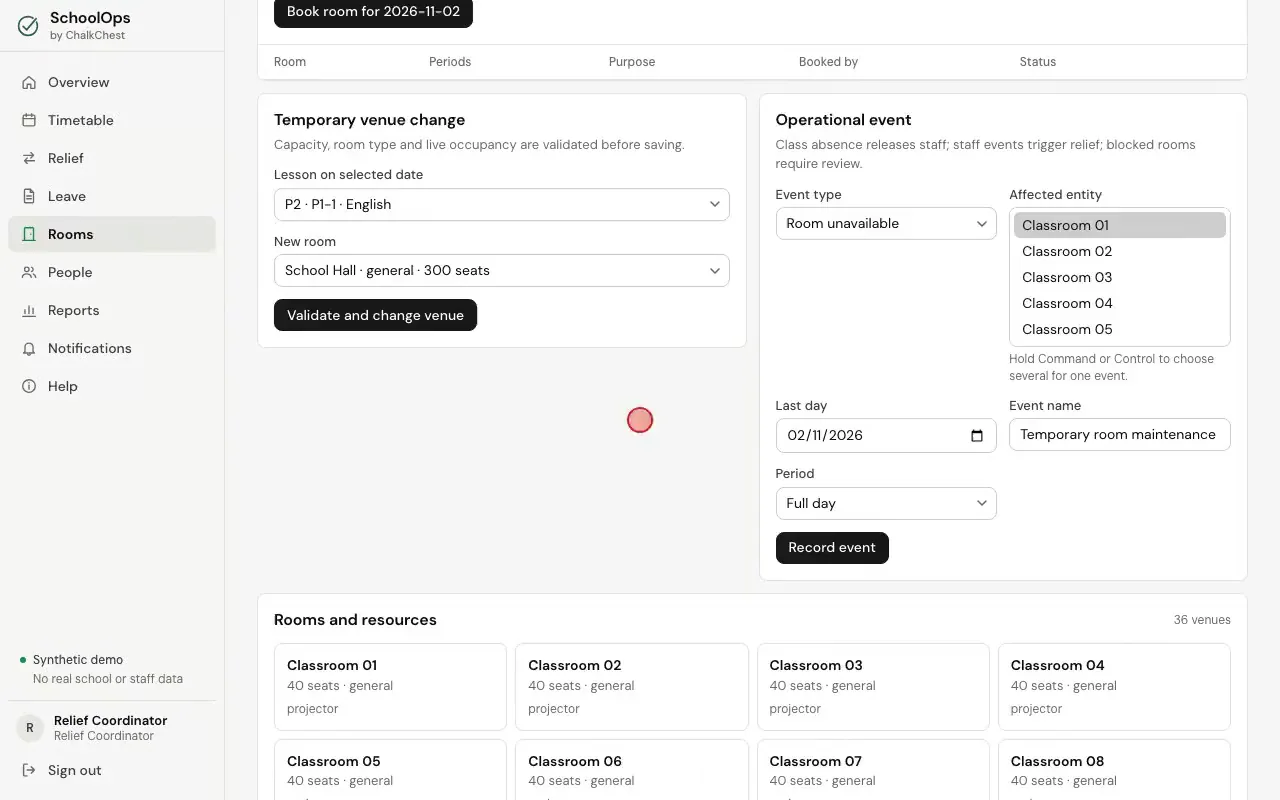
Open Rooms and find Operational event.
The Operational event form on the Rooms pageFictional demo data Set Event type to Class absence / excursion. Choose the class under Affected entity. To choose several classes for one event, hold Command or Control while you choose. Set the Last day, give the event a name, and choose the Period, or leave it at Full day. Then choose Record event.
Recording a class as away for one periodFictional demo data The event is listed under Recorded events, with its dates and periods. Cancel removes it, and relief is planned again for those days.
The class absence in the list of recorded eventsFictional demo data The teachers of that class are released from those lessons and can be given relief. Each teacher sees the lesson marked Released on their Today page. The rooms are free for those periods as well.
A teacher’s Today page with one lesson marked Released because the class is absentFictional demo data